

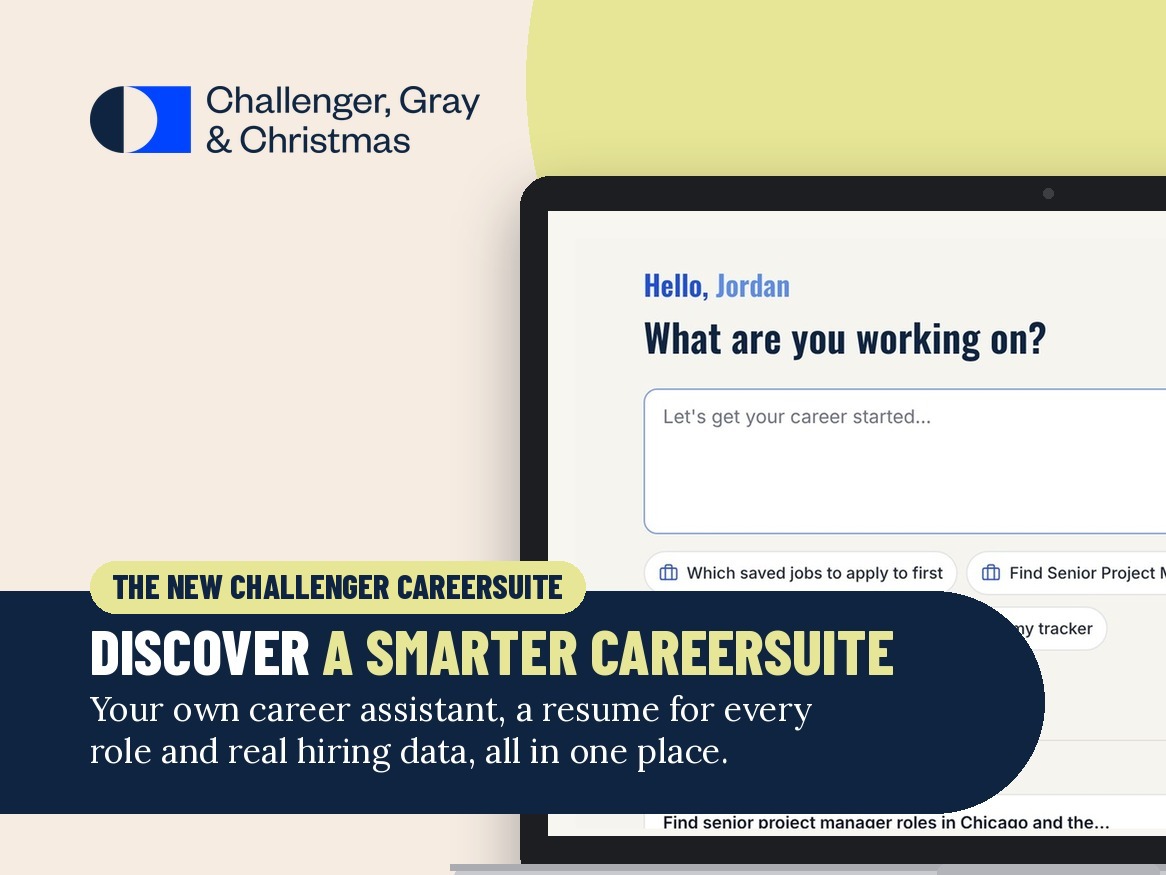
Introducing the New Challenger CareerSuite: Your Whole Search, in One Place
Publication date: Nov 08Finding a new role is challenging, and in today’s job market, it takes more than a great resume.
It takes clarity about which roles to target, connections to the right people, and preparation for every step from application to offer.
That’s why we’ve rebuilt Challenger CareerSuite. CareerSuite is now a personal, AI-assisted workspace organized around your search, with your coach, a job search expert, beside you every step of the way.
Key Takeaways
- The rebuilt Challenger CareerSuite is a personal workspace organized around your search, with your coach beside you every step of the way.
- It’s built around five upgrades: personal from day one, an AI assistant that keeps you moving, real job market data, doors opened to people, and your whole search organized in one place.
- Nothing changes about your program. Your username stays the same, and your saved resumes, jobs and interview recordings carry over.
Building Your Career Transition with Challenger CareerSuite
The new CareerSuite follows the way a job search works: build your brand, identify the right roles, find the right companies and people, apply, interview and get ready for the offer. Here’s what’s new.
Take a quick tour of the new Challenger CareerSuite, from first login to offer.
1. Personal from day one
- A dashboard built around you. CareerSuite greets you by name and shows your target roles, location and salary range, along with what happens next with your coach, a recommended video, your next live webinar and shortcuts back to the tools you use most.
- Everything connected to your goals. What you’ve shared about your targets shapes your job matches, resume help and suggested contacts, so every tool starts from where you are.
2. An AI Career Assistant that keeps you moving
- It prompts your next step. For every job you save, the assistant suggests what to do next and helps you do it: tailor your resume, draft a cover letter or research the company.
- It helps you reach people. The assistant helps you find contacts at your target companies, prompts you to reach out, drafts networking messages and saves the companies and people you want to stay in touch with.
- It remembers you. It keeps your past chats, and a “What I remember about you” panel shows what it knows, such as your timeline, must-haves and relocation preferences, so you never have to start over.
- Interview practice built from the posting. Generate interview questions from any saved job and practice with AI mock interviews that score your answers and give feedback question by question. Your coach can review your practice with you and help you sharpen your story. Interviewing.com practice is still available, including past recordings.
3. Real job market data, not guesswork
- Career Insights, powered by Lightcast. Career Insights helps you decide which roles to target in the first place. See how your current role is trending, explore step-up, lateral and skills-based pathways, compare up to three roles side by side, build a reskill and upskill plan with matched Coursera courses, and explore any US metro.
- Market data for any title. On the Jobs tab, look up any title and metro to see median pay, postings, outlook, salary trend, top hiring companies and the remote/onsite split.
4. Doors opened to the right people
- People you know. Upload your LinkedIn connections, and your contacts appear on jobs, in your tracker and on company profiles. Your uploaded connections are visible only to you.
- Hiring managers and recruiters. Search your target companies for hiring managers and internal recruiters, find recruiters at search and staffing firms, and get contact information and a suggested message for each.
- A Networking Handbill that makes introductions easy. CareerSuite helps you build a one-page professional profile from your resume, shared with a short link or QR code. Update it once and every shared link stays current.
5. Your whole search, organized in one place
- Smarter job search. Every result shows a fit score and related titles. Sort by fit, save searches with daily or weekly alerts, and update application status right from your results.
- A tracker that works like a workspace. Switch between board and table views, paste a job link to fill in the details, and use next steps for every job: tailor your resume, write a cover letter, research the company and see who you know there.
- Company discovery and a live watchlist. Find companies similar to the ones you like, and see open roles and strong matches at the companies you’re watching.
- Everything else in reach. A webinar hub with live weekly webinars led by Challenger coaches and on-demand sessions, 26 practice assessments, ATS Check with saved reports, and a new Help Center.
What Stays the Same
- Your coach. You and your coach still set your strategy together, and your coach keeps you accountable and moving. The new tools make your sessions more productive. They don’t replace them.
- Your program. There are no changes to your program or your access to CareerSuite.
- Your account and your work. Your username stays the same, and your saved resumes, jobs and interview recordings carry over.
- The tools you rely on. The resume builder, AI help with cover letters, thank-you notes and LinkedIn, elevator pitch and success-story builders, correspondence templates and the strategy guide are all still here. If you’d like expert help with your LinkedIn profile, ask your coach about a consultation with one of our LinkedIn specialists.
Log in at careersuite.challengergray.com to explore the new Challenger CareerSuite, then bring what you discover to your next session with your coach.